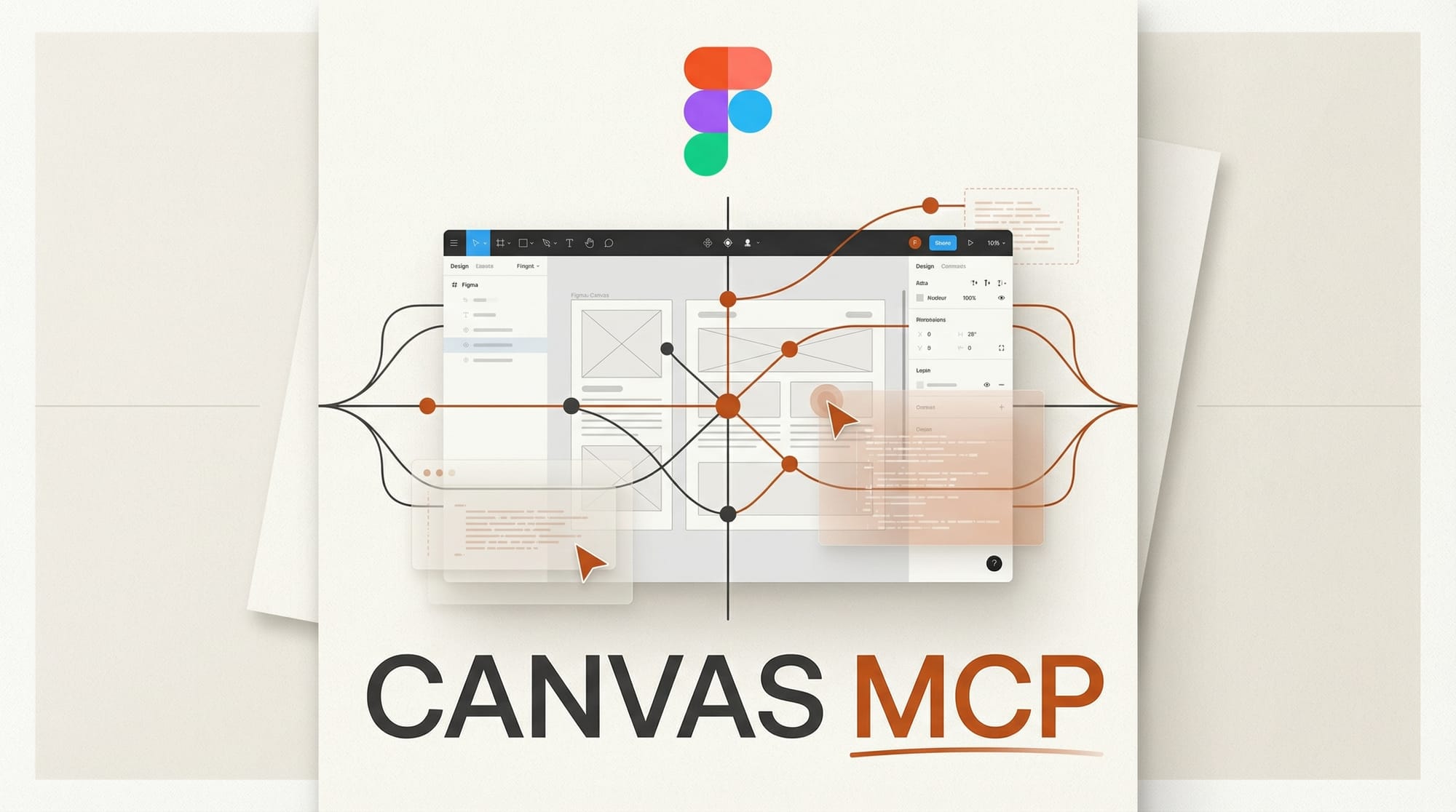
Figma opened its design canvas to AI agents on March 24, 2026, launching a new use_figma tool through its MCP server that lets coding agents create and edit native design assets directly. Nine MCP clients are supported at launch, including Claude Code, OpenAI Codex, GitHub Copilot, and Cursor.
What Happened
Figma added bidirectional write access to its MCP server, upgrading from read-only capabilities that launched in June 2025. The new use_figma tool lets AI agents build and modify components, apply variables and design tokens, configure auto layout, and wire everything to existing design systems. Agents can generate full component sets with 72-plus variants in a single session.
This is the third phase of Figma's MCP rollout. The server launched as read-only in mid-2025, added one-directional generate_figma_design in February 2026, and now supports full bidirectional canvas access. The previous MCP update already connected Figma to AI coding workflows, but agents could only read files. Now they can build on them.
Why It Matters
Designers and developers have been working in separate tools for decades. Figma's move lets AI agents operate across both worlds at once. An agent running in Claude Code or Cursor can now generate a full component library directly on the Figma canvas, inheriting the team's design tokens, naming conventions, and spacing scales without any manual handoff.
Figma also launched a Skills framework that uses markdown-based instruction files to teach agents how to work in Figma. Nine community-built skills shipped at launch, including library generation, design system application by Edenspiekermann, and accessibility screen reader specs by Uber. No plugin coding is required to create new skills.
The timing positions Figma as a shared control surface for rival AI platforms. Both Anthropic's Claude Code and OpenAI's Codex gained Figma canvas access within days of each other, alongside Google Stitch expanding its own AI design capabilities. The design tool space is quickly becoming the next battleground for AI agent integration.
Key Details
- Supported MCP clients: Claude Code, OpenAI Codex, GitHub Copilot, Cursor, Augment, Copilot CLI, Factory, Firebender, Warp
- Agent capabilities: Create/edit components, apply design tokens, build frames, configure auto layout, generate component sets
- Self-healing: Agents can screenshot their output, compare against intent, and correct mismatches automatically
- Live UI capture: Convert running interfaces from production or localhost into editable Figma layers (currently exclusive to Claude Code and Codex)
- Pricing: Free during open beta. Remote MCP server available on all plans. Desktop MCP server requires Dev or Full seat on paid plans
What to Do Next
If you use Figma with any supported coding agent, connect the MCP server and try generating a component library from your codebase. The beta is free with no usage charges on write operations. Start with the community skills to see what agents can do before building custom ones for your team's workflow.