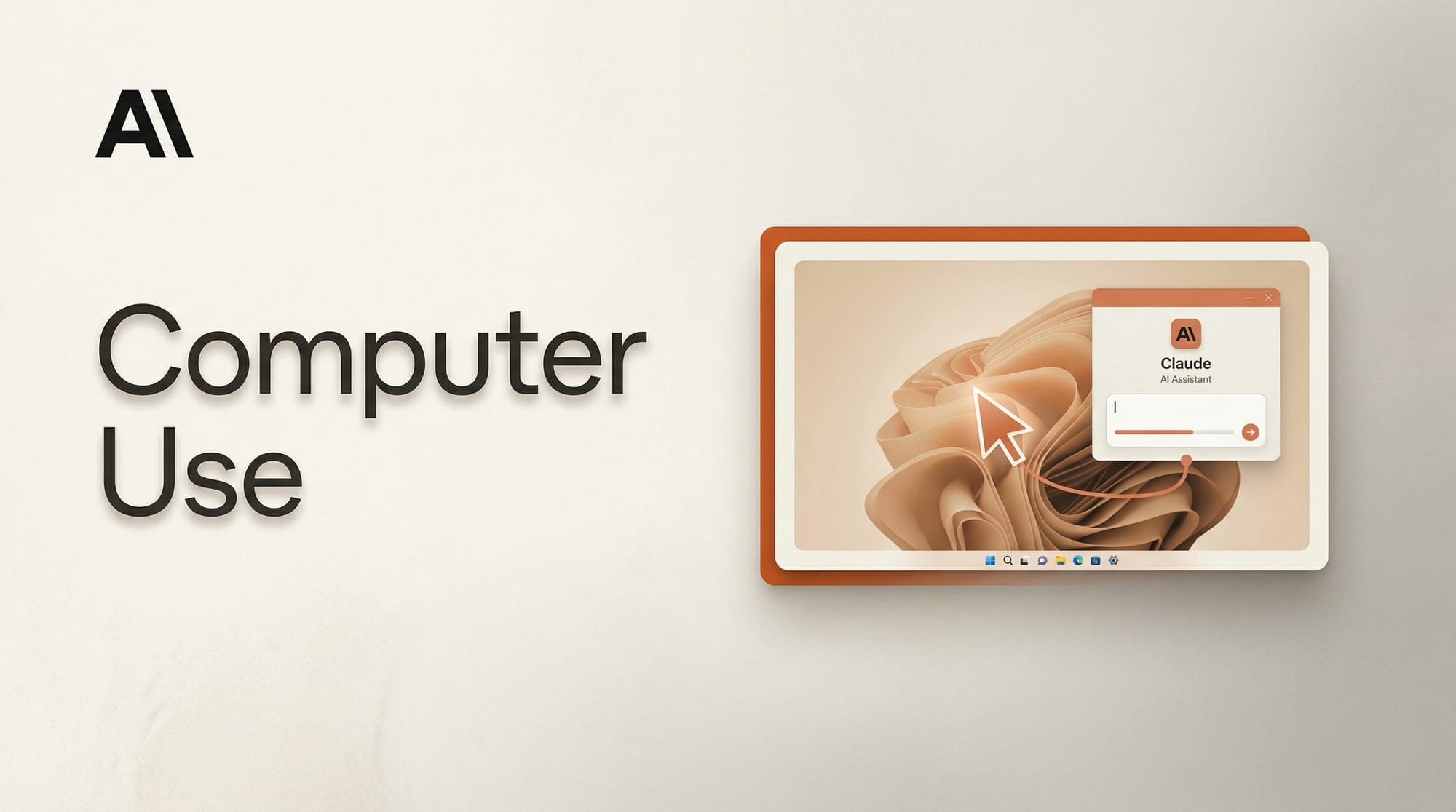
Anthropic expanded Claude's computer use feature to Windows on April 3, bringing screen control and desktop automation to PC users through Claude Cowork and Claude Code. The feature, previously available only on Mac, lets Claude open apps, navigate browsers, and work on local files with no setup required.
What Happened
Claude can now see and interact with Windows desktops directly. The computer use feature enables Claude to control keyboard and mouse input, launch applications, manage files, and navigate web browsers. The Windows release arrived one week after the Mac version, extending the capability across both major desktop operating systems.
The feature is available in research preview to Claude Pro and Max subscribers through the Claude Cowork and Claude Code apps. Anthropic recommends using the Sonnet 4.6 model for best performance.
Why It Matters
Computer use shifts Claude from a chat assistant to a desktop agent that can execute multi-step workflows autonomously. For creators, this means Claude can open design tools, navigate file systems, manage browser-based workflows, and handle repetitive tasks without manual intervention. Combined with Claude Dispatch, users can assign tasks from their phone and return to completed work on their PC.
The zero-setup approach removes a major barrier. There are no API keys, terminal commands, or configuration steps. Users download the app and Claude works with whatever software is already installed on the machine.
Key Details
- Platforms: Windows (new) and Mac, via Claude Cowork and Claude Code
- Access: Claude Pro or Max subscription required
- Status: Research preview
- Capabilities: App launching, browser navigation, keyboard and mouse control, local file management
- Service connectors: Slack, Google Calendar, and other integrations
- Security: Users must approve access each session and can cancel operations at any time
- Recommended model: Sonnet 4.6
What to Do Next
Windows users with a Claude Pro or Max subscription can download Claude Cowork to try computer use immediately. The feature works with existing applications, so there is nothing extra to install or configure. Start with simple tasks like file organization or browser-based research before moving to more complex multi-app workflows.
Anthropic's subscription base more than doubled in early 2026, suggesting strong demand for these agent capabilities. As computer use matures beyond research preview, expect tighter integration with creative tools like design software and content editors.