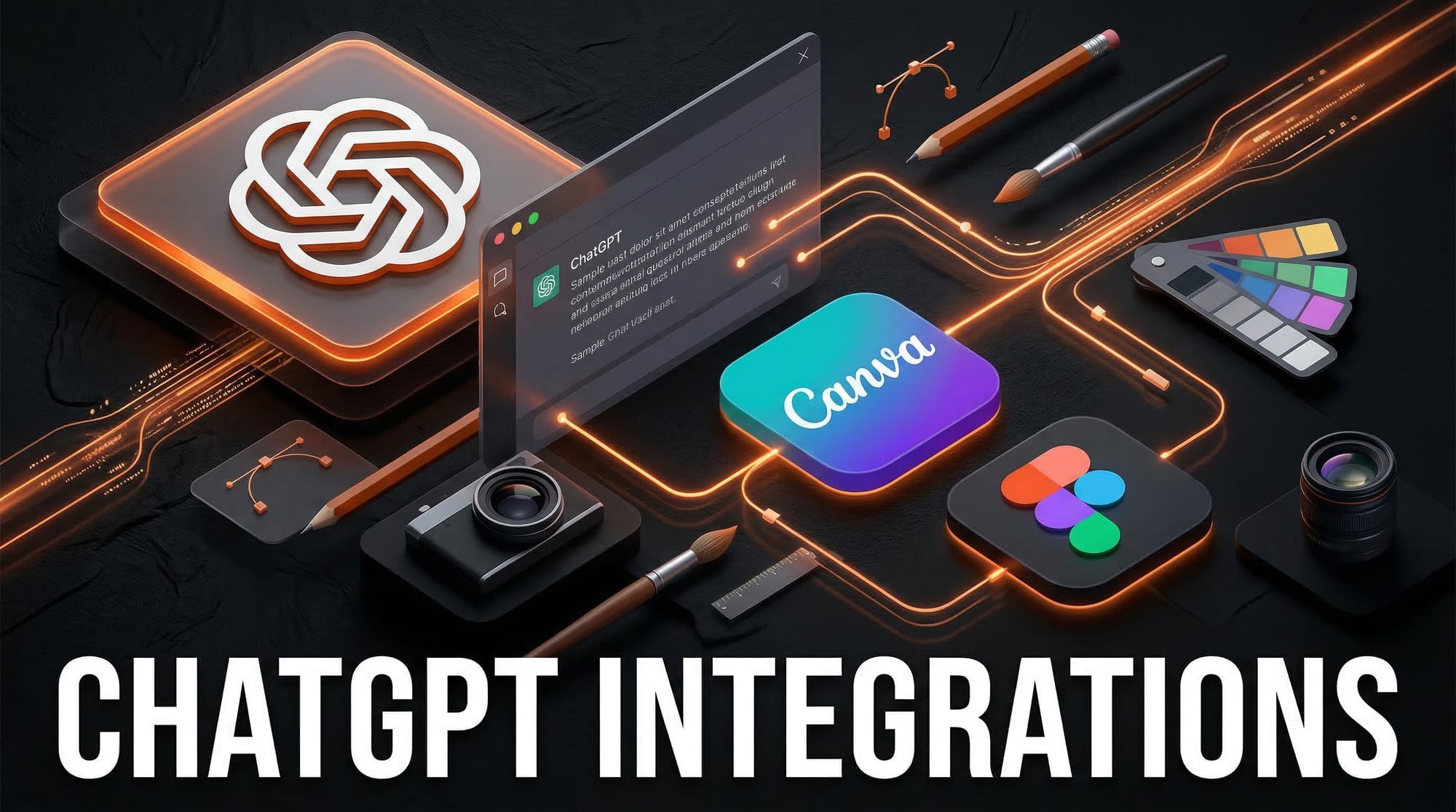
OpenAI launched a major update to ChatGPT on March 14, 2026, adding direct in-chat integrations with Canva, Figma, Spotify, DoorDash, Uber, Expedia, and more than a dozen other apps. For the first time, designers and creative professionals can generate presentations, social media assets, and design files without leaving their ChatGPT window.
What Happened
OpenAI rolled out its new ChatGPT app integrations to U.S. and Canadian users on March 14, connecting the AI assistant directly to third-party services. The launch includes two major creative platforms: Canva and Figma. Users in Europe and the U.K. are excluded from the initial rollout.
Why It Matters
This changes how creative professionals use ChatGPT. Previously, you would draft copy or a creative brief in ChatGPT, then copy it into Canva or Figma manually. Now the workflow is collapsed into one conversation. You describe what you need, and the asset is generated directly in the platform of your choice.
For agencies and solo designers, this reduces context-switching and accelerates the gap between idea and deliverable. Claude integrated Canva, Figma, and Slack in January 2026, and now OpenAI has matched and expanded that capability.
Key Details
- Figma integration: ChatGPT can generate FigJam diagrams, Figma Slides presentations, and Figma Buzz creative assets. According to Figma's integration guide, it translates prompts into objectives, outlines, and style notes before producing the file.
- Canva integration: Users can create Facebook ads, Instagram posts, YouTube thumbnails, and client-ready presentations directly from a ChatGPT conversation, with real-time branding adjustments.
- Other integrations: Spotify (playlist generation and playback control), DoorDash (meal planning and grocery ordering), Uber and Uber Eats (ride estimates and food delivery), and Expedia (travel booking).
- Availability: U.S. and Canada only at launch. No EU timeline announced.
What to Do Next
If you are a ChatGPT Plus, Pro, or Team user in the U.S. or Canada, go to Settings and look for the Apps section to connect your Figma or Canva account. Start by asking ChatGPT to create a social media post for a specific campaign, then let it push the result directly to Canva for final formatting.
Figma users should check the official Figma blog post on the ChatGPT integration for setup steps and what content types are currently supported. This is the fastest way to go from brief to visual asset, and it is available right now.